Feature
A screenshot of every step the agent took.
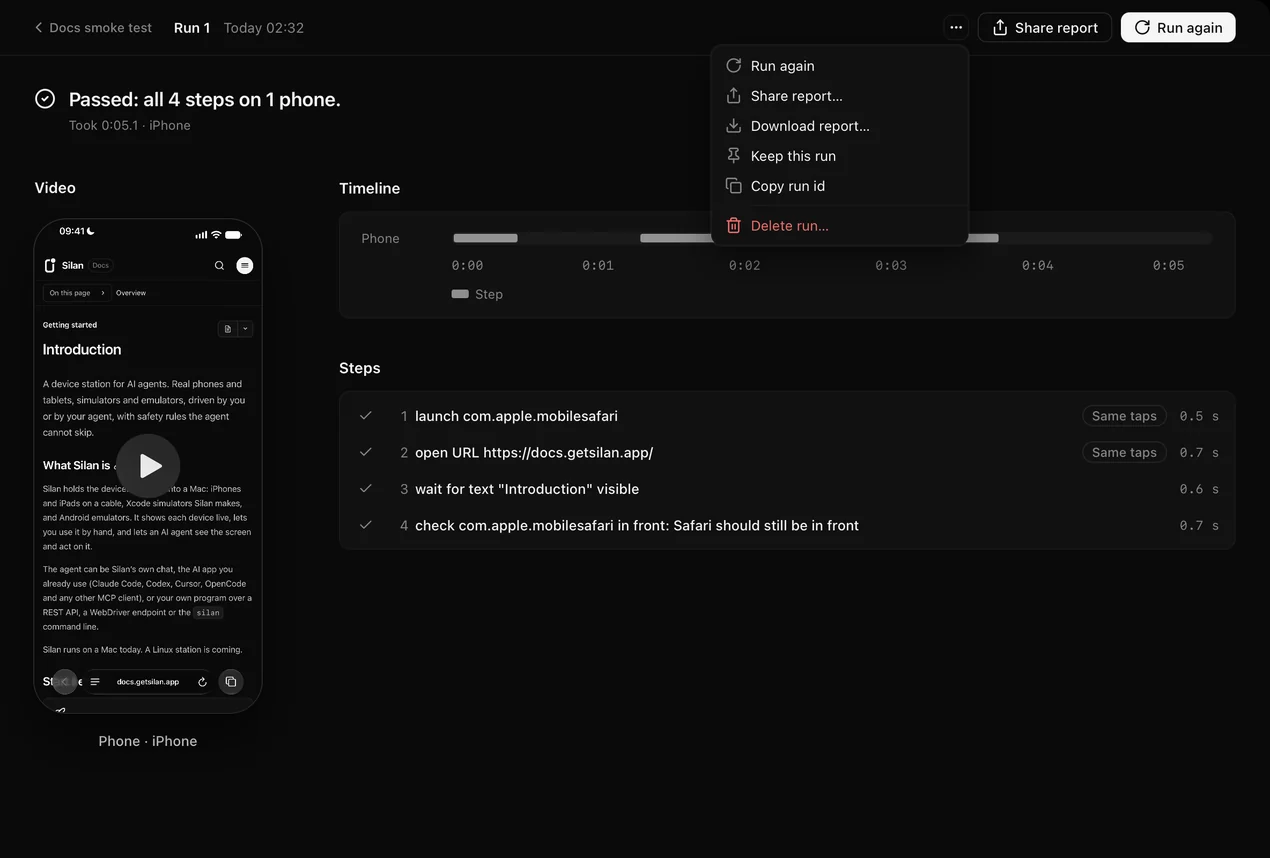
Every run makes a report with a screenshot before each step. Replay any chat. Download the report as one HTML file.
How it works
- 01
Run a flow.
- 02
Open the report.
- 03
Watch the video of each device.
What you get
A screenshot before each step
See what the agent saw.
HTML, JUnit and JSON
One HTML report from the app. JUnit and JSON from the silan command.
A video of every device
Each run records every device. Watch it in the report.
Replay a chat
Step by step, with each screen.
Questions
Not here? Read the docs.
What can I download?
One HTML report from the app. The silan command also writes JUnit and JSON. Each run also records a video of every device. Watch it in the run report.
Can I replay a chat?
Yes. Replay plays back what the agent saw, step by step.
Where are reports kept?
On your Mac. Runs, screenshots and run videos stay there.